
Bossa - Import
For Bossa you need one bossaWebTrader financial-history CSV containing both trade settlements and cash operations.
The Bossa import has changed
Use one financial-history CSV from bossaWebTrader. If you used the previous two-file import, buy/sell transactions from overlapping dates may not be detected as duplicates. Review the import before confirming.
Exchange rates are estimated
The Bossa export does not provide the actual exchange rate used for transactions settled in a different currency. FundStat therefore uses the latest available closing rate before the transaction date. This is an informed estimate, not the exact Bossa settlement rate. If you require full accuracy, review and adjust these transactions manually after import.
Step 1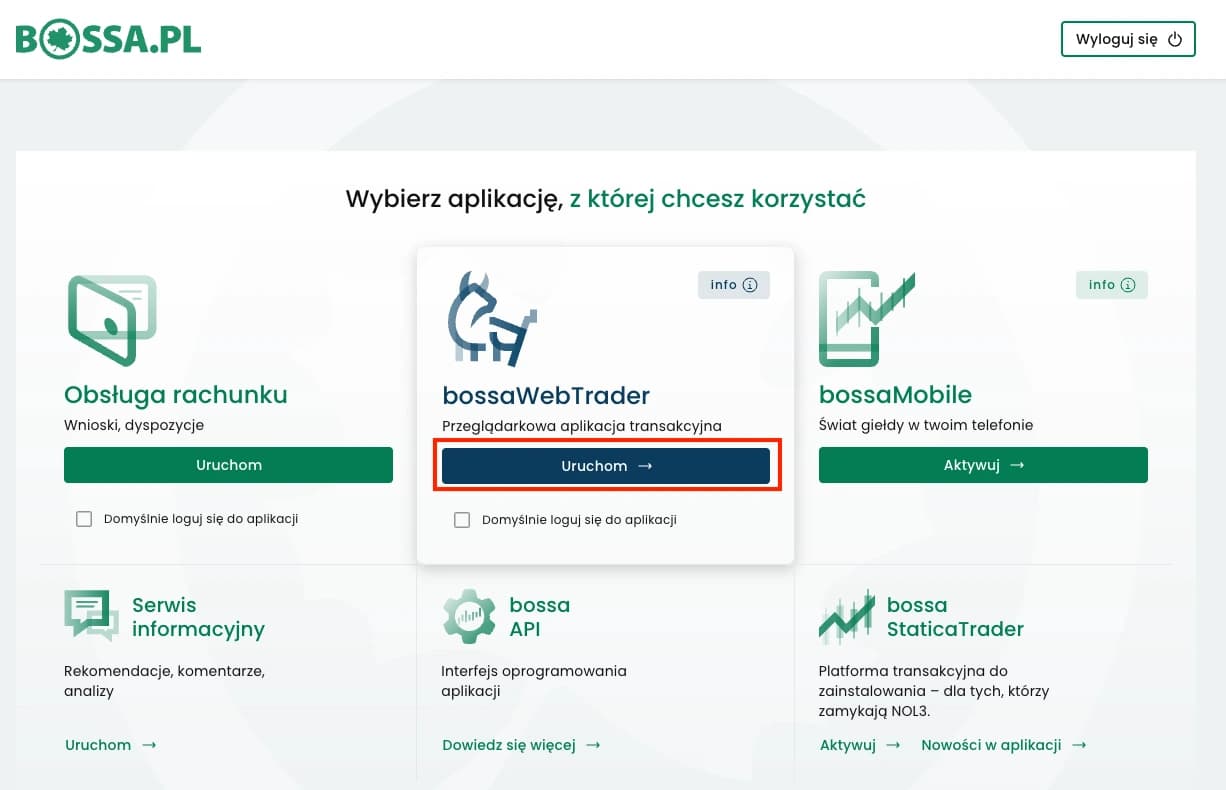
Login to Bossa
Log in to bossaWebTrader and open the financial history for the account you want to import.
Open Bossa LoginStep 2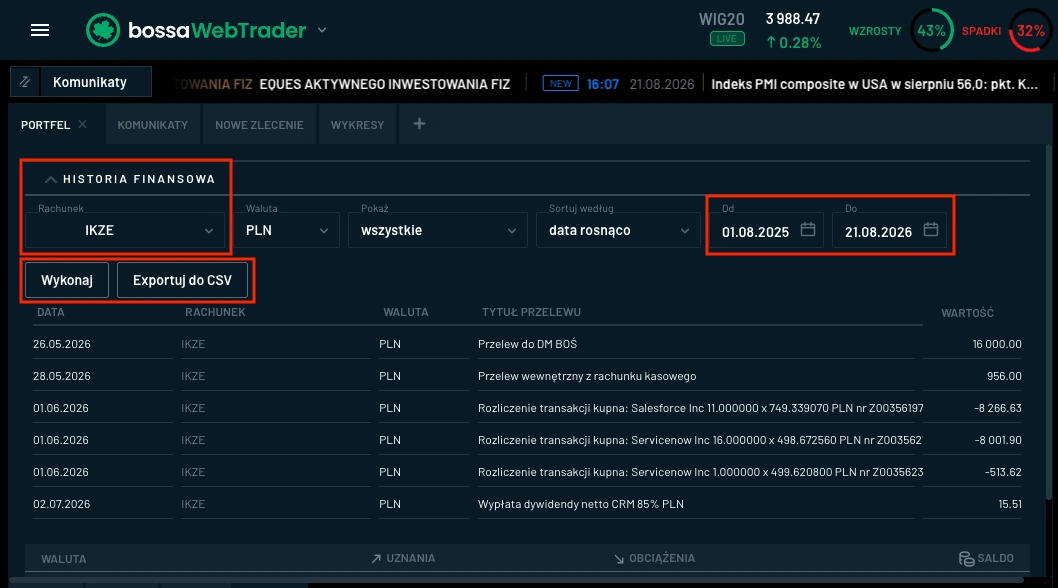
Export Financial History
Select the required account, show all, and select the desired date range. Then click execute and download the file as CSV. Keep the file unchanged.
Step 3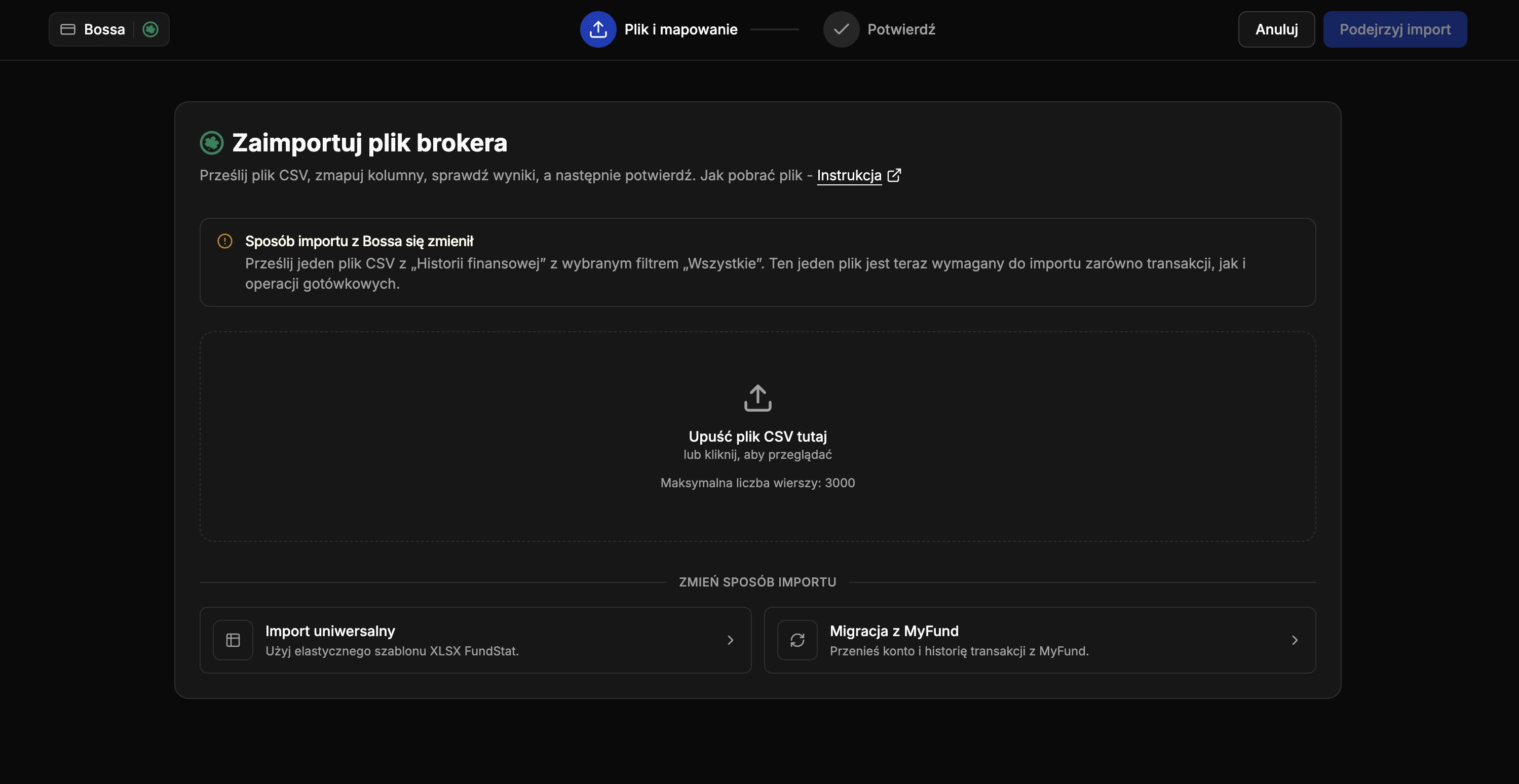
Upload the CSV to FundStat
Open the Bossa import in FundStat and upload the unmodified CSV file.
Need Help?
Our Discord server is FundStat’s main support channel, including help with individual cases. It’s usually the fastest way to get a reply.
Join FundStat on Discord
You can also email us at contact@fundstat.pl.