
Trade Republic - Import
For Trade Republic you need the Transaction export CSV prepared for trading tools. It should stay in CSV format and include the original transaction columns, including Datetime, Category, Type, Asset class, Name, Symbol, Shares, Price, Amount, Fee, Tax, Currency, and Description.
Exchange rates are estimated
The Trade Republic export does not provide the actual exchange rate used for transactions that require currency conversion. FundStat therefore uses the latest available closing rate before the transaction date. This is an informed estimate, not the exact Trade Republic settlement rate. If you require full accuracy, review and adjust these transactions manually after import.
Step 1
Export Transaction CSV
In Trade Republic export the Transaction export file intended for trading tools and make sure it is saved as CSV.
Step 2
Check Required Columns
Make sure the CSV contains the original columns used by FundStat: Datetime, Category, Type, Asset class, Name, Symbol, Shares, Price, Amount, Fee, Tax, Currency, and Description.
Step 3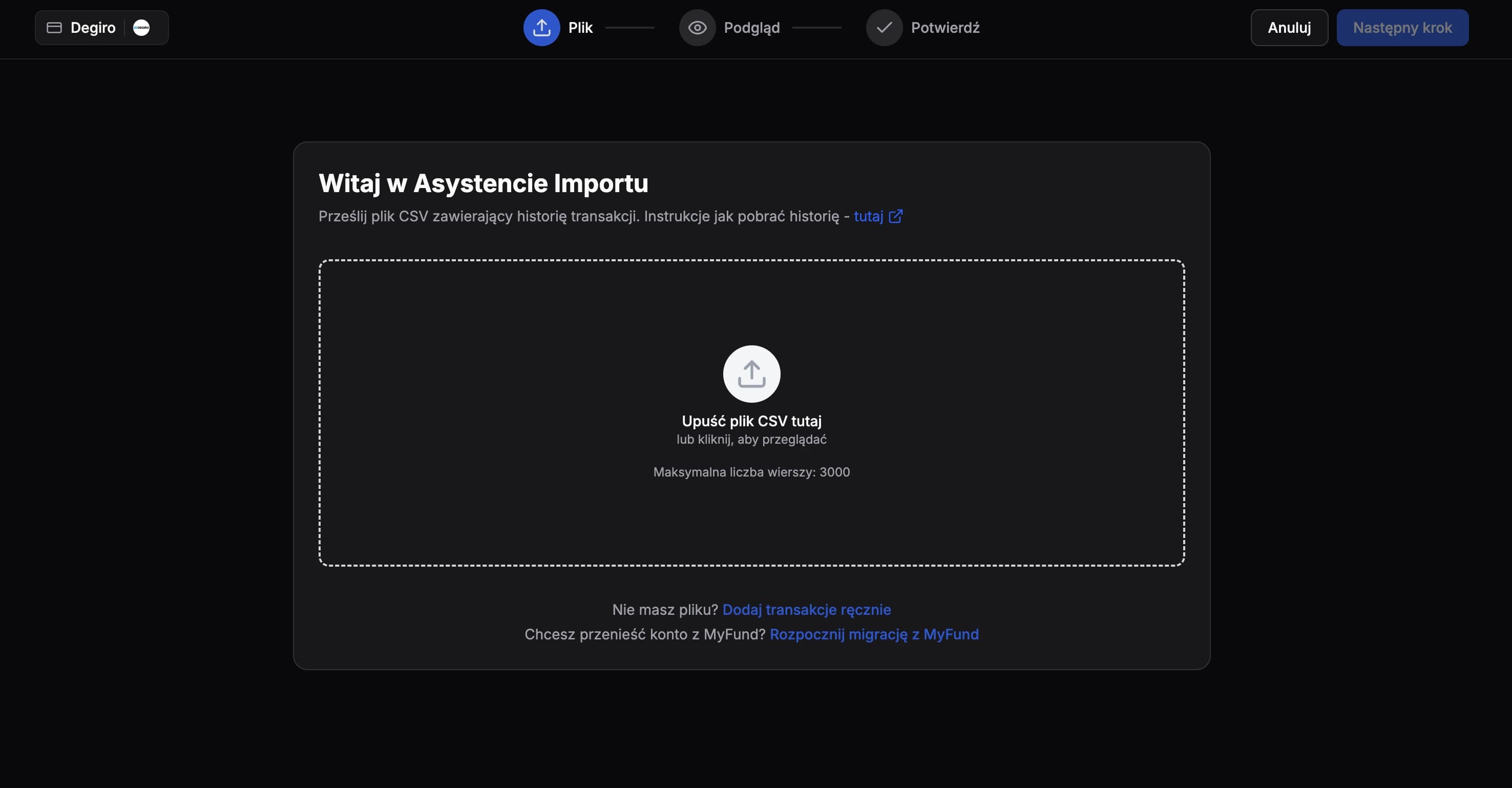
Import File
Upload the unmodified Transaction export CSV file to FundStat and proceed further.
Need Help?
Signed in to FundStat? Ask AI help in the app. It knows the FundStat docs and can look at your accounts and transactions to answer right away.
Still stuck? Reach out to us. Our Discord server is FundStat’s main support channel, including help with individual cases, and usually the fastest way to get a reply.
Join FundStat on DiscordYou can also email us at contact@fundstat.pl.