
eToro - Import
Import your eToro Account Statement into FundStat in three steps.
Step 1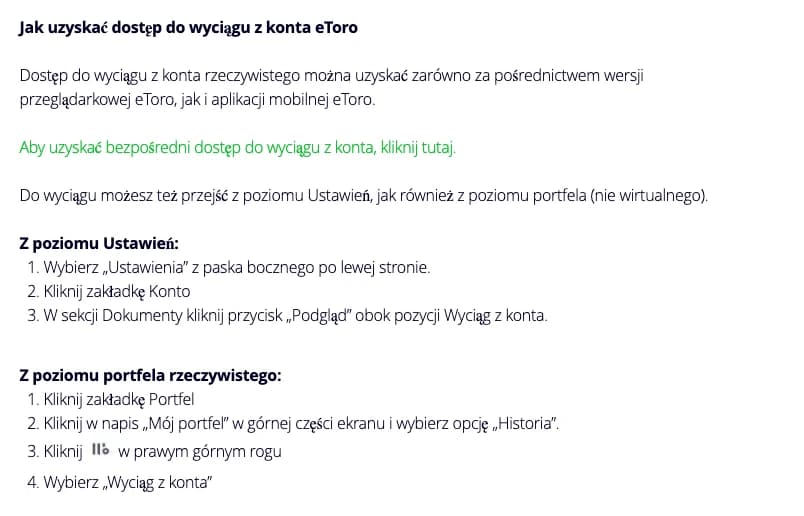
Open the Account Statement
Use the official eToro guide above or open the Account Statement directly.
Open eToro Account StatementStep 2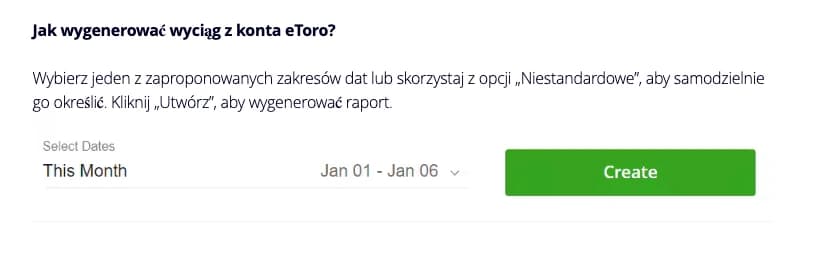
Choose the date range and download
Choose the required date range and download the statement in XLSX format. FundStat accepts XLSX files only.
Step 3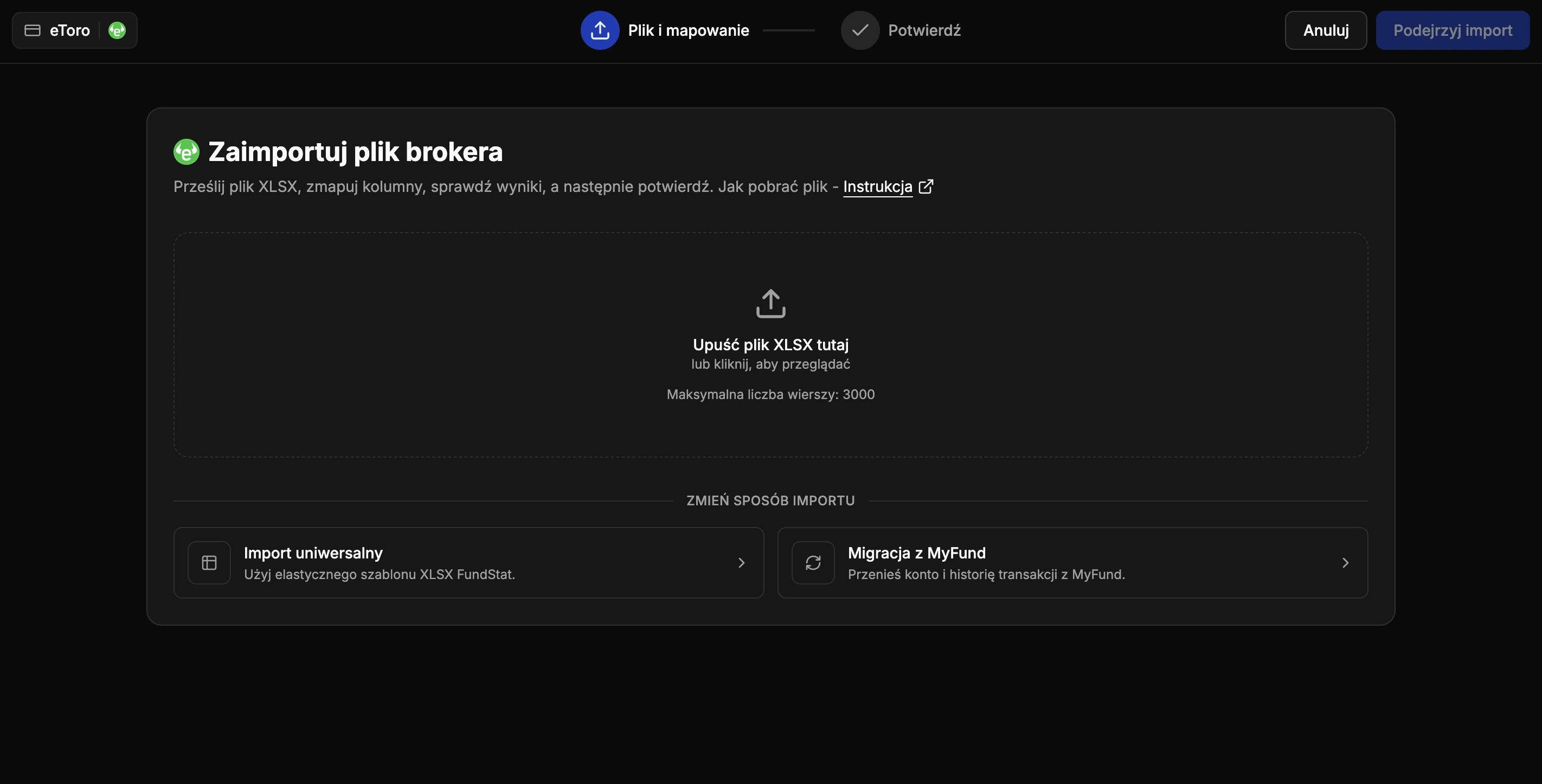
Upload to FundStat
Select your eToro account in FundStat, upload the unchanged XLSX file, review the transactions, and confirm the import.