
PKO BP - Import
For PKO BP you need two separate CSV files: Zestawienie operacji finansowych for cash operations and Raport Transakcji for trades. Both files should be downloaded as CSV.
Step 1
Export Cash CSV
In PKO BP export the file named Zestawienie operacji finansowych and make sure it is saved as CSV.
Step 2
Export Trades CSV
In PKO BP export the file named Raport Transakcji and make sure it is saved as CSV.
Step 3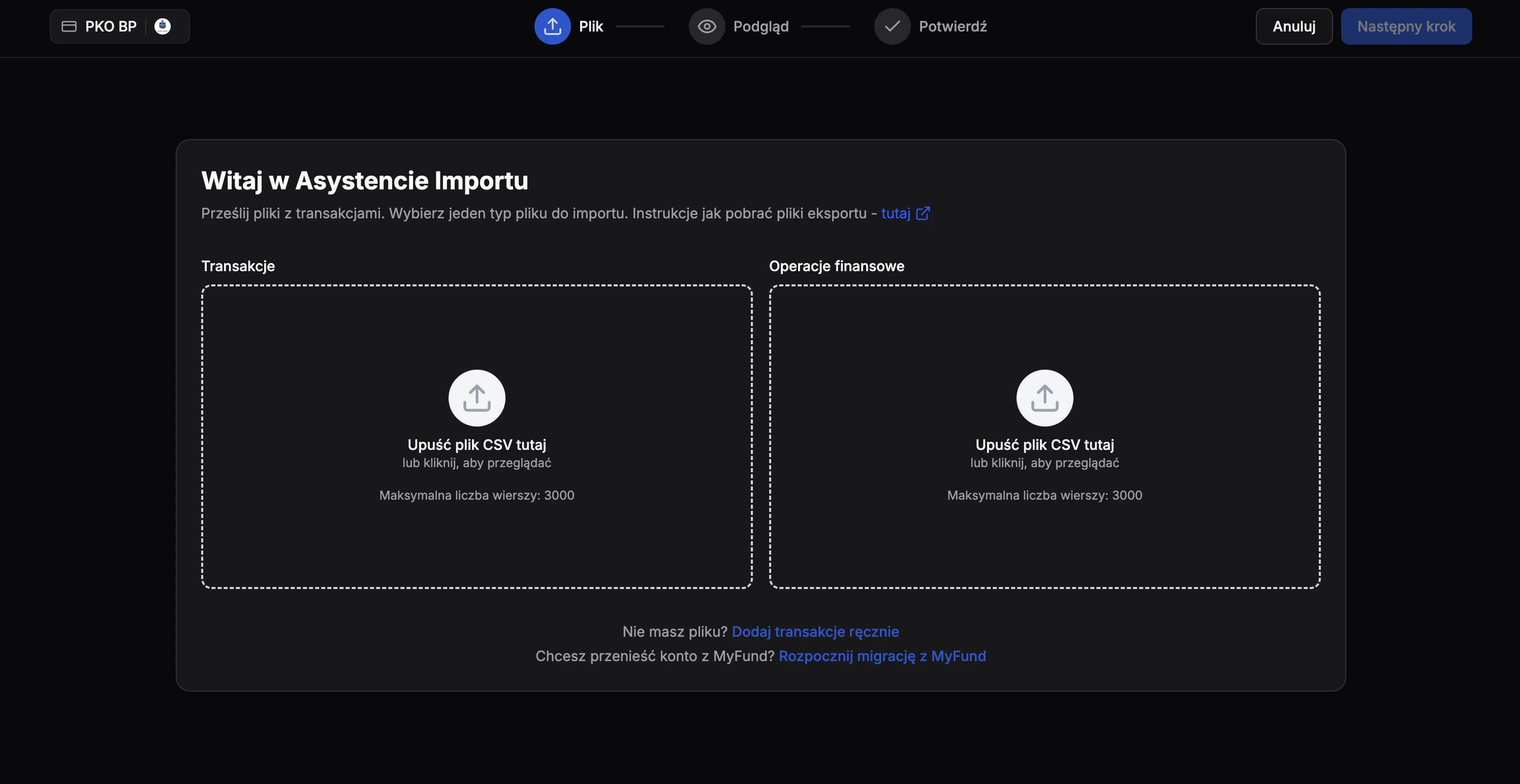
Import Both Files
Upload both CSV files in FundStat. Use Zestawienie operacji finansowych for cash import and Raport Transakcji for trades import. Import one file first, finish that import, and then repeat the process for the second file.
Need Help?
If you encounter any issues during the import process or have questions about using FundStat, don't hesitate to reach out to our support team.
Contact us:contact@fundstat.pl