
Degiro - Import
For Degiro you need one CSV file named Account. It should contain all actions on the selected account and stay in CSV format. The export should include the columns Data, Czas, Produkt, ISIN, Opis, Kurs, Zmiana (Waluta), and the value column placed after Zmiana, likely without a header.
Step 1
Export Account CSV
In Degiro export the file named Account and make sure it is saved as CSV.
Step 2
Check Required Columns
Make sure the Account CSV contains all actions on the selected account and includes Data, Czas, Produkt, ISIN, Opis, Kurs, Zmiana (Waluta), plus the value column right after Zmiana, likely without a header.
Step 3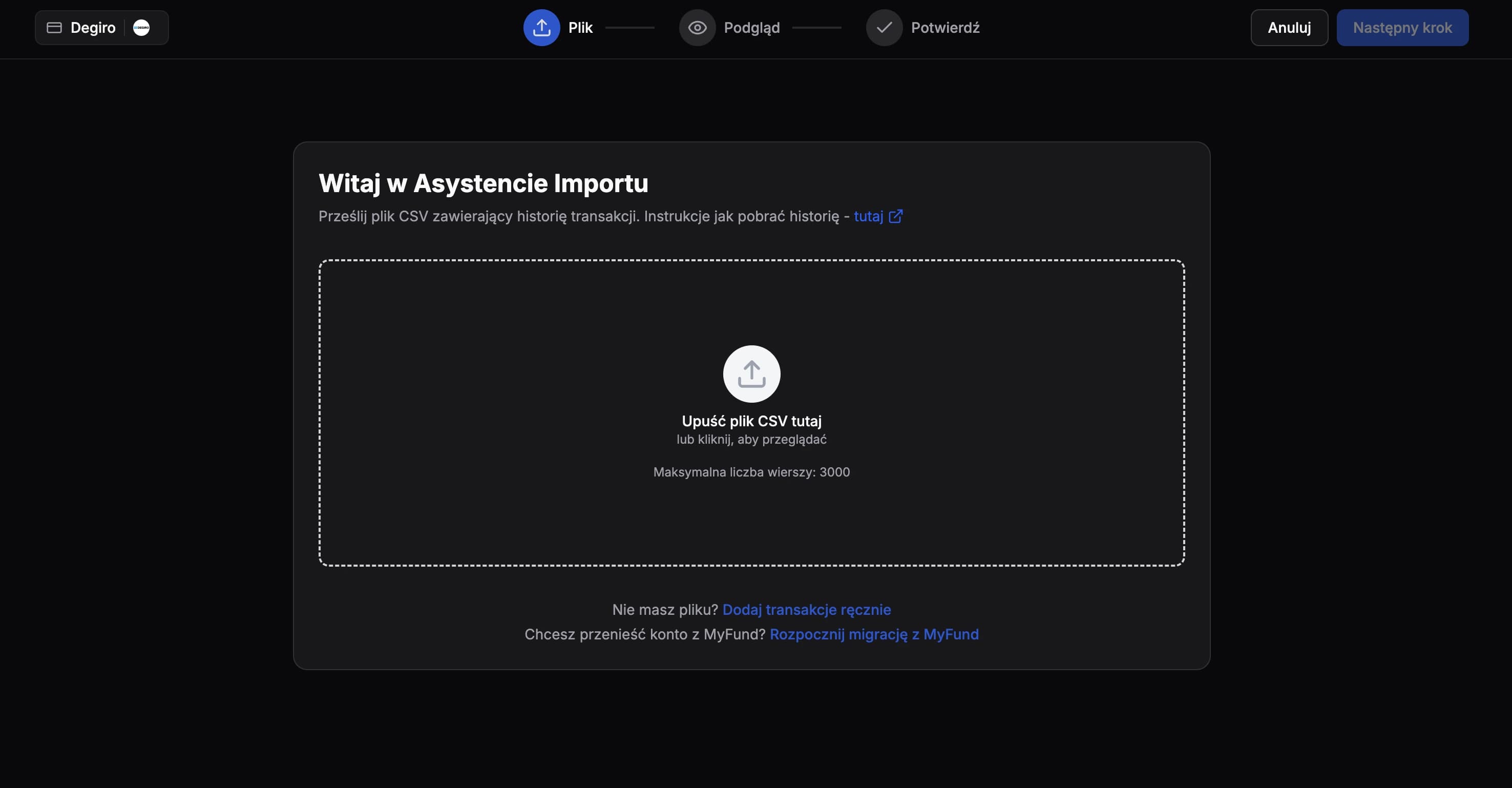
Import File
Upload the unmodified Account CSV file to FundStat and proceed further.
Need Help?
Our Discord server is FundStat’s main support channel, including help with individual cases. It’s usually the fastest way to get a reply.
Join FundStat on Discord
You can also email us at contact@fundstat.pl.